Turn a Story Idea Into a Plan, Free With Ando
You have an idea you love. Maybe it's a character you keep thinking about, or a "what if" that showed up on the walk home. But every time you sit down with it, the same questions get in the way. What happens next? Who else is in this story? How does it end?
So the idea stays an idea. That gap between a spark and a plan is where a lot of stories stall, and it has nothing to do with talent. Most writers just need someone to ask them the right questions.
That's what brainstorming with Ando, Storiando's story assistant, is for, and now anyone can use it for free.
From one sentence to a whole-story plan
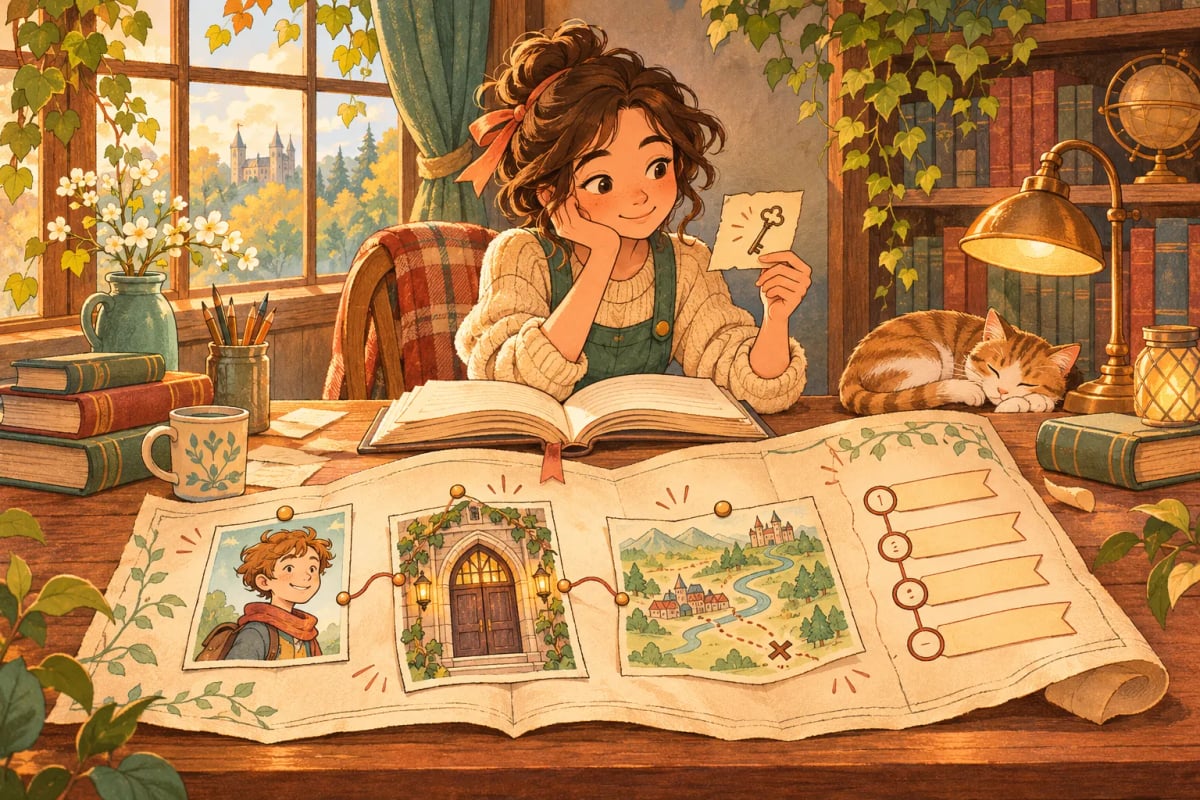
A brainstorm is a conversation that turns your idea into a story blueprint: the plan for your whole story. As you talk, the blueprint fills in beside the conversation with:
- a one-sentence premise, plus the genre, tone and point of view
- your characters and how they relate to each other
- the places that matter to the story
- a chapter-by-chapter outline of what happens
It also keeps a checklist of what's still undecided, so you always know what to think about next.
Ando helps you plan. It doesn't write the story for you. It asks questions, offers options when you're unsure, and records the choices you make. Every suggestion stays a suggestion until you accept it.
How it works
- Open a free brainstorm. You can start right away in your browser.
- Type your spark in your own words. One sentence is enough, and half-formed is fine.
- Answer Ando's first five questions. Each one comes with three options: pick one, write your own answer, or let Ando suggest one.
- Keep talking it through, and watch your blueprint take shape.
A quick example
Say your spark is this:
A boy finds a key that opens doors in his school that weren't there yesterday.
Ando might ask what he wants most right now, with options like these:
- To find his older sister, who went missing last spring
- To prove to his friends he isn't making the doors up
- To get out of a test he isn't ready for
Pick the first one, and your premise and main character start filling in. A missing sister gives the story a goal, the doors give it a way forward, and suddenly you have questions worth answering in chapter one. Change your mind later? Tell Ando, and the blueprint changes with you.
When your plan is ready
When your blueprint feels complete, Ando checks it for gaps, like a character who never shows up in a chapter, and points out anything worth one more look. Then you choose Create story or Keep editing.
Creating the story opens it in your free Storiando account with your characters, places and chapter outline already in place, ready for chapter one. Your brainstorm comes with you, so you never start over. You can see what each plan includes on our pricing page.
Try it with your idea
Got a spark you haven't known what to do with? That's all you need to start. To see everything a blueprint holds, visit the story blueprint page, or read how to brainstorm a story idea with AI for a closer look at each step.