Keep Characters and Locations Consistent With Ando
In chapter 3, your hero burns her hand on a lantern. In chapter 9, she's drumming those same fingers on a tavern table without a mark on them. And the tavern? It burned down in chapter 6.
Slips like these are called continuity errors, and every writer makes them. They don't mean you're careless. They mean your story has grown bigger than what one person can hold in their head at once, which is a good sign.
That's why we built continuity notes: short facts your chapters establish about each character and location, which Ando keeps to when it helps you write what comes next.
Why Small Details Matter So Much
Readers trust you to remember. A scar that vanishes or a ruined building that's suddenly standing pulls them out of the story. Once they notice one slip, they start looking for more, and they stop simply enjoying the ride.
Consistency is what gives events weight. If the inn burns and is back in business two chapters later, the fire didn't really matter. When the damage stays, your reader feels that what happens in your story counts.
Keeping track is exhausting. Many writers stall in the middle of a story because they spend their sessions rereading old chapters to check who knows what, who's hurt and what's been destroyed. That's time and energy that could go into the next scene.
What Continuity Notes Do for You
When Ando drafts a chapter, or answers you while you work on one, it reads the notes for the characters and places in that chapter. So a character who lost an arm doesn't get it back, and a burned inn stays burned.
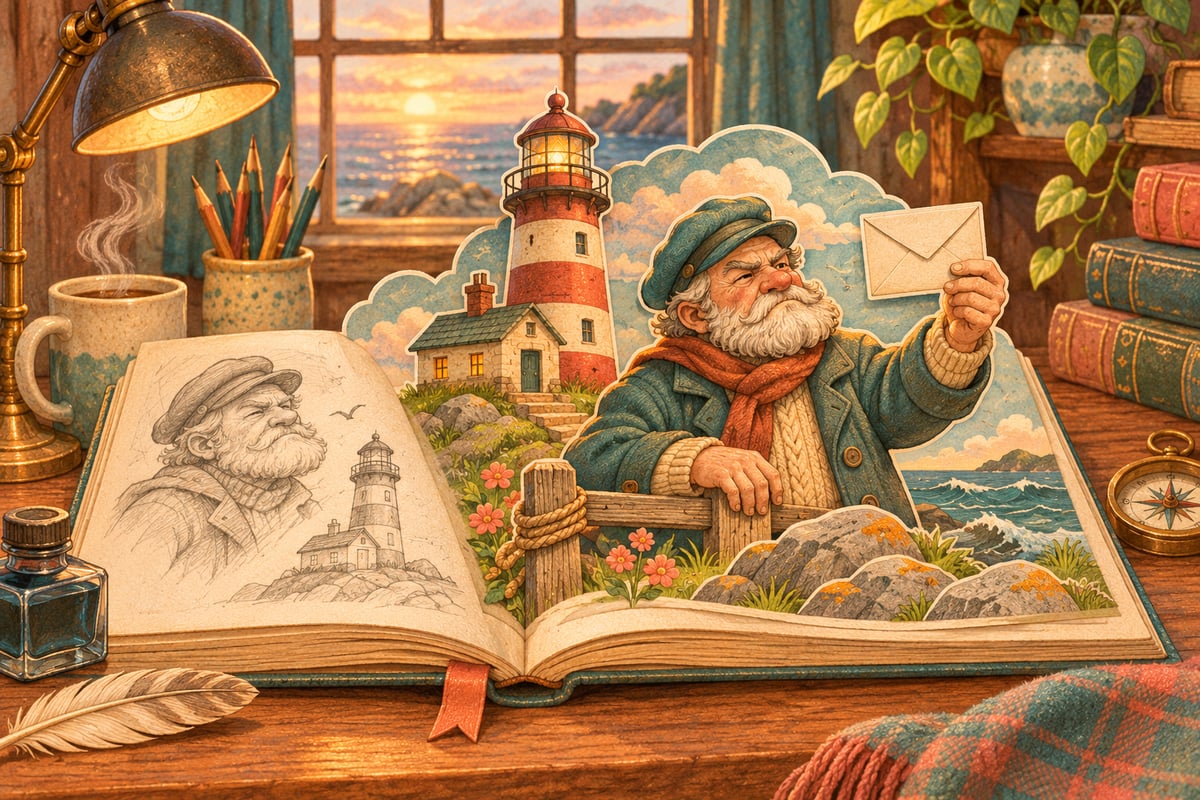
A quick example. Your notes for the lighthouse keeper say:
Ivo lost his spectacles in the storm in chapter 5 and has to squint to read.
When Ando helps you draft chapter 8, Ivo holds the mysterious letter at arm's length and squints at it, instead of reading it at a glance. It's a tiny detail, and it's exactly the kind readers notice.
Built Around Your Story, Not Over It
- Only what came before. Ando uses notes from earlier chapters only. Rewriting chapter 4 won't be shaped by something that happens in chapter 10.
- Your story comes first. If a note disagrees with what you wrote, Ando tells you instead of following the note.
- The notes are yours. You can read, edit, add or delete any note. A note you write or edit is always kept, even when Ando reads the chapter again.
- Some facts are always true. Add a note that holds in every chapter, like "Theo is left-handed," and Ando keeps to it everywhere.
How to Get Started
- Open a chapter you've written and select Update continuity notes. Ando reads the chapter and saves notes for its characters and locations. This uses AI credits.
- Review what Ando noted. Fix a note with the pencil, or discard one you don't want.
- Keep going. When Ando drafts a chapter and you keep the draft, its notes are saved too. Viewing and editing notes never uses credits.
For every detail, from what "out of date" means to what happens when you delete a chapter, see Keep characters and locations consistent in our help center.
Continuity notes work alongside Ando memory, which keeps your preferences and big story decisions. And if you've wondered why chat assistants lose track of details in long conversations, our post on why AI forgets recent messages explains it.
Try it on your latest chapter in Storiando: select Update continuity notes and see what Ando keeps track of for you.