An outline you can write from
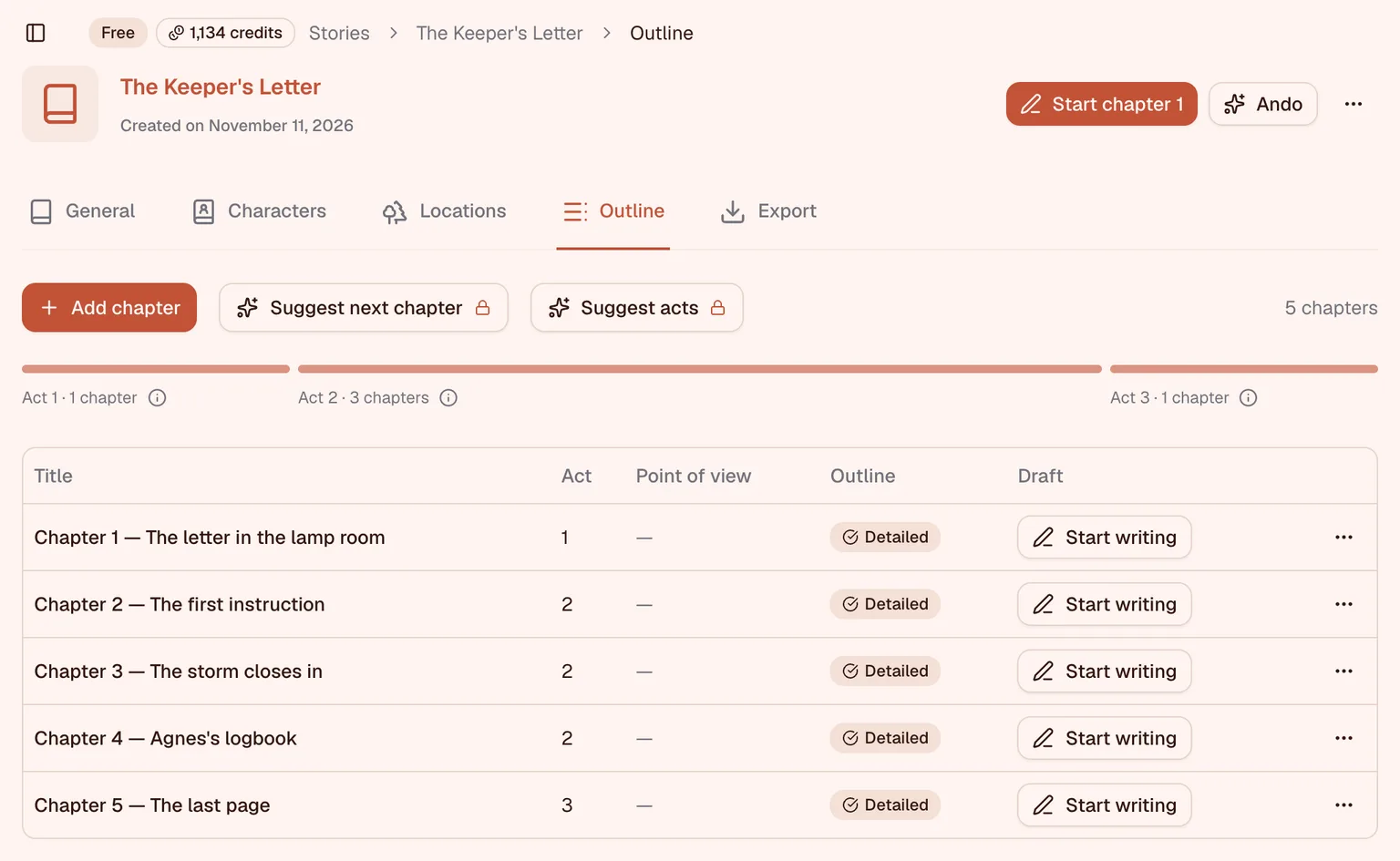
Add chapters as you go or plan them ahead. Each one can carry a short brief of what happens in it.
Ready to write
Describe what your story is about, give it a working title, and open your first chapter. Write in your own words, and bring in Ando whenever you want a hand.
Start writing for freeFree plan, no credit card.
From a few sentences to chapter one
No template to fill in and no setup to get through. Say what the story is about, and start.
A few sentences about what it's about is enough. You can change it later, or ask Ando to improve the wording.
Anything will do for now. Stuck? Ask for a suggestion, then create your story.
Start writing straight away and plan as you go, or talk your idea through with Ando and outline your chapters first.
When a chapter is done, the next one is waiting, with its brief from your outline beside it.
Where you write
Add chapters as you go or plan them ahead. Each one can carry a short brief of what happens in it.
Write in your own words. Your work is saved as you type, and the chapter's brief is one click away.
Ask Ando to draft or continue a chapter from its brief, or talk through what should happen next. Every draft is yours to edit.
Keep the people and locations of your story in one place, so chapter ten remembers what chapter one decided.
Your story, your call
What starting a story takes, and what always stays yours.
No. You can open your first chapter as soon as your story exists and plan as you go. If you prefer to plan first, add chapters to the outline, or talk your idea through with Ando.
Only if you ask it to. You can write every chapter yourself. When you want help, Ando can draft or continue a chapter from its brief, and the result is a draft for you to review and edit.
One book project, a monthly allowance of AI credits for Ando, and AI drafting for one chapter a month. You can write as many chapters as you like yourself, and no credit card is needed to start. Compare plans.
Start with a brainstorm instead. Ando asks a few questions and turns your answers into a plan you can turn into a story when it is ready. How a brainstorm works.
Yes. Import your manuscript as a PDF and Storiando sets up the chapters, characters, places and outline it finds, for you to check. How importing works.
Begin with chapter one
Create your story, open the first chapter, and keep going at your own pace.
Free plan, no credit card.
Cookie Consent
We use essential cookies for functionality, analytics cookies to improve our service, and functional cookies to enhance your experience. By clicking "Accept", you consent to our use of cookies. You can change your choice at any time from "Cookie settings" in the footer. Learn more